Redesigning IQLine for faster throughput, fewer support tickets and a product admins value
Client
IQLine
Year
2025
IQLine's LIMS worked, but it punished the people who used it most. I audited it, counted the cost of every high-volume task, and redesigned navigation, patient registration, reports and the admin dashboard around how labs actually work.
Scope of Work
Context
A lab information management system (LIMS) runs a diagnostic lab, from the moment a patient walks in to the moment a report goes out. Four roles use IQLine on the same shift:
Front desk staff register walk-in patients while a queue builds.
Lab technicians enter results and scan barcodes, often with one hand on a sample tray.
Pathologists and lab managers validate and approve reports.
Admins watch throughput across labs and resolve exceptions.
These users don't explore the product. They need to know where things are, every time, under pressure.
The Problem
A capable product nobody could find their way around
Years of features had been added wherever they fit. The product grew, but its structure didn't. The cost showed up across the business:
Problem | What was happening | Business impact |
|---|---|---|
Admins couldn't see the value | No clear reporting, so admins had no simple view of what IQLine did for their lab. | The people who renew the contract couldn't see what they were getting, so the product was easy to question at renewal and easy to replace. |
Users asked support instead of using the product | Staff couldn't use features, so they raised tickets. | Most tickets were navigation questions, not bugs. Support answered questions the product should have answered, and the cost grew with every new lab. |
New staff couldn't learn it on their own | Navigation followed the system's structure, not the user's mental model. | New front desk hires needed several days of shadowing. Two people did one job, and every lab paid an onboarding cost before IQLine was useful. |
Confusion led to data entry errors | Confusing data tables and unclear fields without checks made it easy to enter data in the wrong place. | Lab mistakes cascade. A registration error can follow a sample to the report and put the lab's credibility at risk. |
Work slowed under pressure | Staff spent time searching for functions instead of using them. | Throughput dropped at the busiest moments: a building queue at the front desk and samples on the tray. |
The Process
Setting Goals with CASTLE framework
IQLine's users don't choose to use it. It's their job. Measuring engagement makes no sense here, because more time on screen usually means someone is lost. So I set goals with CASTLE, a framework built for workplace software, and tied each one to a business problem.
CASTLE | Goal | Business problem it answers |
|---|---|---|
Cognitive load | Staff see what they need instead of having to remember it | Support tickets were navigation questions |
Advanced feature usage | Admins actually use reporting and saved views | Admins couldn't see the value the product created |
Satisfaction | An interface that feels modern and trustworthy | Sales had to explain the product in demos |
Task efficiency | Fewer steps in the four most frequent tasks | Work slowed down under queue pressure |
Learnability | A new front desk hire learns the system in one shift | Onboarding took days of shadowing |
Errors | Fewer wrong-field entries in high-volume flows | Data entry mistakes cascaded into reports |
2. Context Mapping
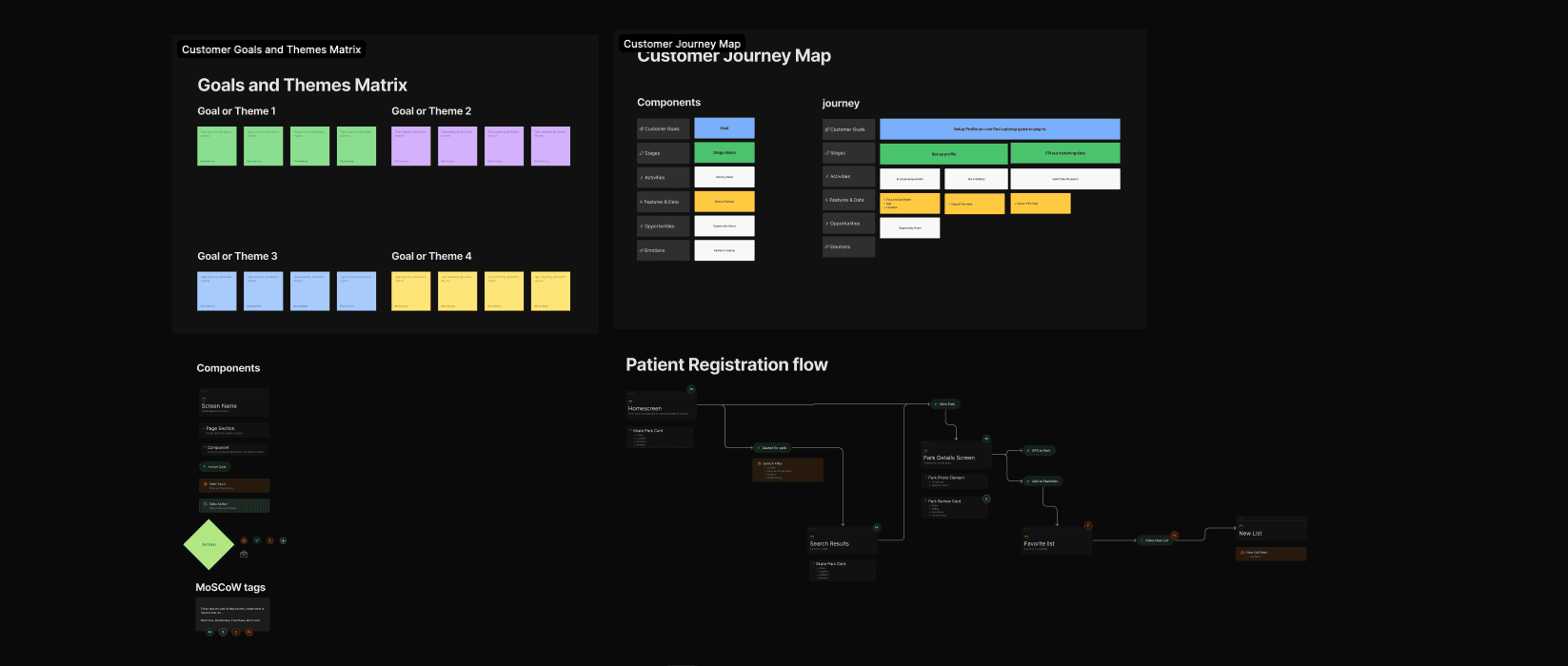
I mapped the four highest-frequency flows step by step:
Registering a walk-in patient
Opening today's reports
Entering results
Triaging the admin dashboard.
At each step I noted clicks, keystrokes and switches between keyboard and mouse. I also marked every point where a user had to remember something instead of seeing it. Those memory points showed where the confusion lived.
Ux Audit
I reviewed every screen against Nielsen's ten usability heuristics, plus cognitive load and keyboard access. Each issue was rated by severity (cosmetic, minor, major or blocker) and by how often users would hit it. That way, the fixes that removed the most confusion came first.

User Research (Insights and Opportunities)
After empathising with users through research and deep sessions with the team, I separated what we learned (insights) from what we should do about it (opportunities).

The Redesign
Patient Registration


Admin Dashboard


Test Registration


Warning state

Reports screen


The Outcomes
I frame outcomes honestly. Where I have specific behavioral changes, I describe them. Where I have qualitative shifts, I describe those too.
Significant reduction in support tickets about product features. With navigation named after tasks, staff find features themselves instead of asking support.
Faster throughput. Staff spend less time searching and more time working. Returning patients are registered entirely from the keyboard, and saved report views open in 1 keystroke instead of 4–6 steps.
Admins can see the product's value. Reporting shows them what IQLine does for their lab, so they have a clear reason to renew.
A product that looks and feels like the value it provides. The interface now matches the capability underneath it, in daily use and in sales demos.
Better NPS. Users rated the product higher after the redesign.


